.avif)
How to triple dip your rewards when booking hotels online
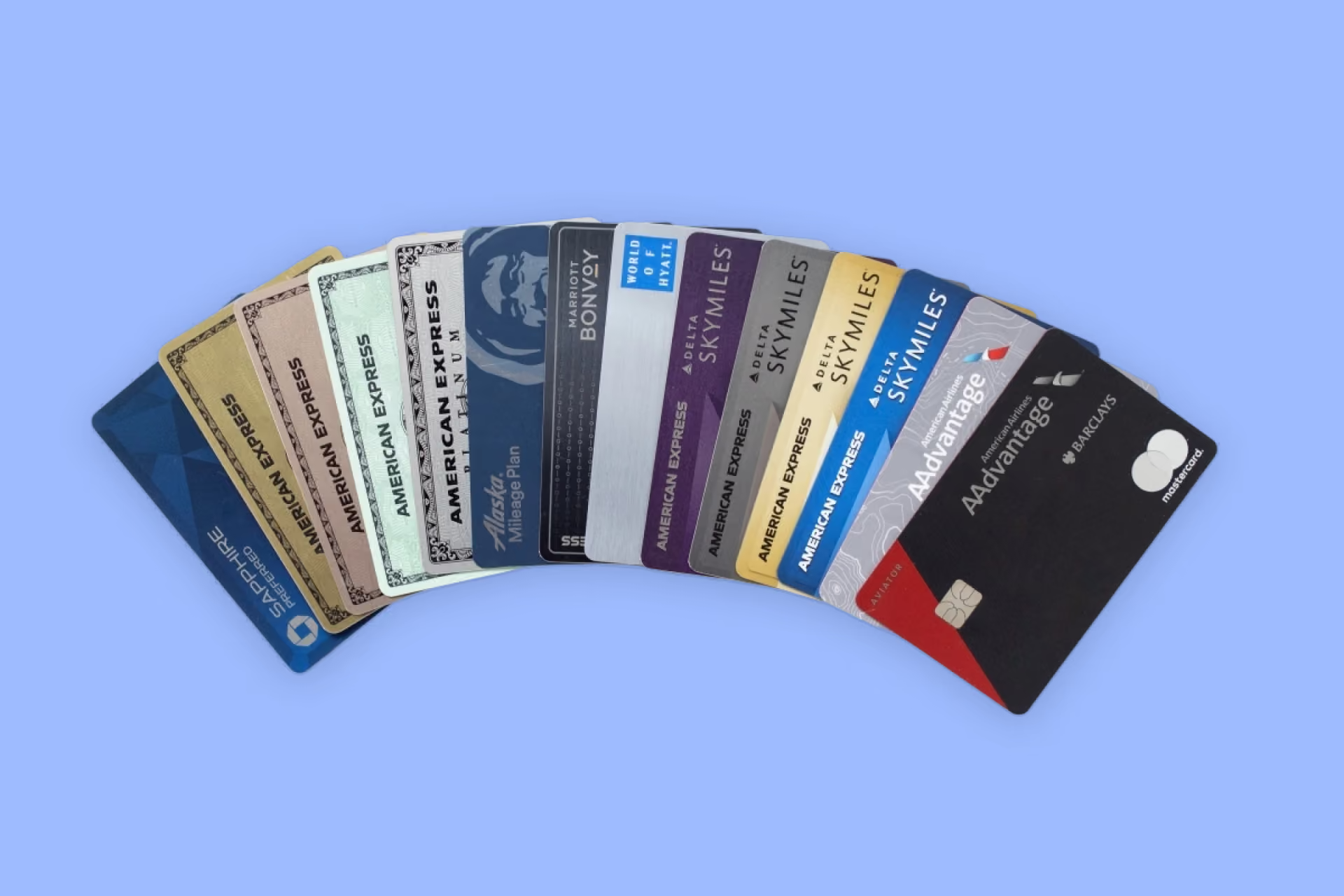
Three separate rewards from three separtate sources, all on one booking. Loyalty points stack with credit card points stack with cash back. Here's how to claim all three.
Cash back extensions are browser tools that help you earn cash back when shopping online. We created one that rewards you 5% Cash Back on 60,000+ hotels and resorts worldwide.
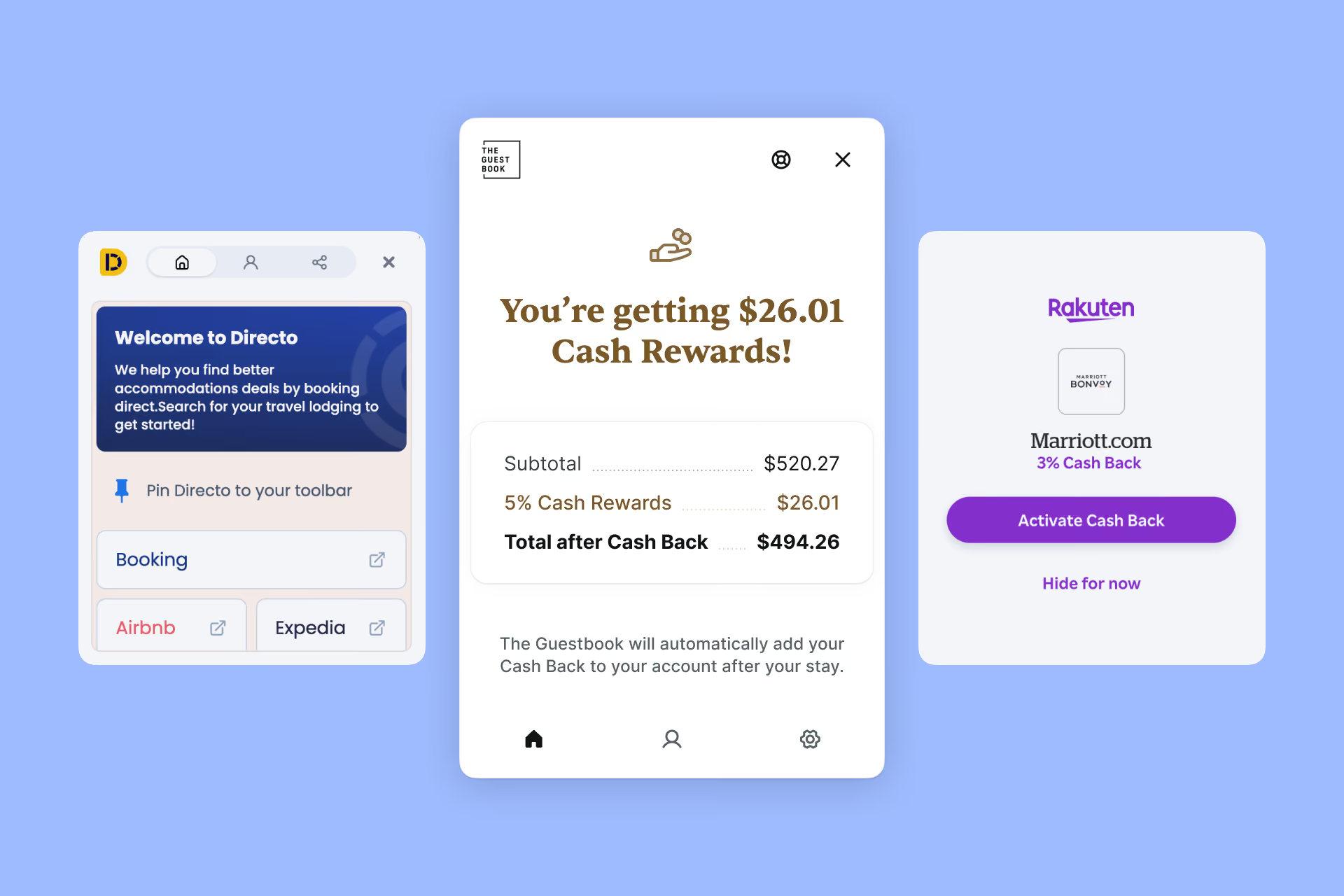
A hotel cash back browser extension is a free add-on for your web browser that recognizes when you're shopping for a hotel, then tells you how to earn money back on that booking — usually by booking direct with the hotel instead of through a third-party travel site. It works in the background while you browse and doesn't change how or where you pay.
You already know how to book a hotel. You search, you compare, you pick, you pay.
A cash back browser extension sits quietly on top of that process. When it recognizes a hotel booking page, it activates and tells you one thing: there's money available on this booking, and here's how to get it. You still book with the hotel. You still use your own credit card. You still earn whatever loyalty points you'd normally earn.
The extension's only job is to make sure you don't leave money on the table.
A browser extension (also called an add-on or plug-in) is a small piece of software you install into Chrome, Safari, Edge, or Firefox. It adds a feature to your browser that wasn't there before — a password manager, an ad blocker, a grammar checker, or in this case, a way to earn cash back on hotel bookings.
Extensions install in a couple of clicks from an official store (the Chrome Web Store, the Mac App Store) and appear as an icon in your browser's toolbar. They're not apps you have to open and remember to use. They surface themselves when they're relevant and stay out of the way when they're not.
The mechanics are simpler than most people expect:
The thing that trips people up most often — and it's worth being direct about it — is step 4. You have to complete the booking on the hotel's official website. If you finish the transaction inside a third-party travel site, there's no direct booking for the extension to attach a reward to.
Most cash back extensions are general shopping tools. They cover thousands of retailers, treat hotels like any other product, and pay out a small slice of a retail affiliate fee.
The Guestbook is built for hotels specifically. Instead of an affiliate fee, hotels pay us a booking commission — the same kind they'd pay a travel site — and we hand it back to you. That's a much bigger pool to pay from, and it changes what the extension can offer:
It works at almost all major chains. Install the extension and you can earn 5% cash back on direct bookings at major hotel brands — Marriott, Hilton, Hyatt, IHG, Four Seasons, Choice, Best Western and more (including all their sub-brands) — when you book on the chain's own website.
You keep your loyalty points. The 5% is on top of the Marriott Bonvoy points, Hilton Honors points, or World of Hyatt points you'd earn anyway. It doesn't replace your status, your points, or your elite benefits.
It also unlocks an independent hotel network. Beyond the chains, The Guestbook works with 1,000+ independent and boutique hotels, where the reward is bigger and you choose its form: 15% cash rewards as Cash Forward, credit toward a future stay, or 5% as straight cash. Most independents don't run a points program at all, so this is what stands in for loyalty there — and at three times the rate, it's usually the better end of the trade.
It catches you before you overpay on a travel site. If you're on a third-party booking site looking at a hotel, the extension will flag when booking direct instead would earn you cash back — and take you there.
A fair question, and one worth answering plainly rather than defensively.
What a reputable extension does: it reads the page you're currently on to determine whether there's a hotel booking to act on. It needs that permission to work — it can't tell you about a Hilton rate without being able to see that you're looking at a Hilton rate.
What you should look for before installing anything:
A useful test: ask yourself how the extension makes money. If you can't tell, that's the flag.
The Guestbook's model is simple enough to say in one sentence: the hotel pays us a commission for sending it a direct booking, and we pass that commission to you as cash back. It's the same commission a third-party travel site would charge for the same booking — the difference is that a travel site keeps it and we don't.
That matters for privacy as much as it does for your wallet. Because the business is funded by hotel commissions, there's no reason for it to be funded by your data — and it isn't.
The Guestbook is fully GDPR compliant, and treats your safety and privacy as non-negotiable. The extension looks at hotel booking pages so it can identify the property and the rate you're viewing. That's what makes the reward possible, and it's the limit of what it needs to see. Your browsing isn't sold to third parties. And if you'd rather it stayed out of the way somewhere specific, you can switch it off for an individual site — or remove it entirely — in two clicks.
You'll need an account so there's somewhere to send your cash back — that's the whole reason for the email step during setup. Membership is free. There's no subscription, no fee taken out of your reward, and no minimum spend to start earning.
Cash back extensions are worth it for people who:
Where it helps less: if you book almost exclusively through third-party travel sites and won't change that habit, the extension will keep telling you to book direct and you'll keep not doing it. The value is real, but it requires the one behavior change.
A hotel cash back browser extension is a free tool that makes an existing behavior — booking direct — pay you for it. It doesn't change your hotel, your rate, your card, or your loyalty points. It adds a layer of value on top of a booking you were going to make anyway.
The only real cost is two minutes to install it. The cost of not installing it is 5% of every hotel booking you make from here on.
Eröffnen Sie ein kostenloses Konto, um exklusive Hotelvorteile zu erhalten. Bleiben Sie auf dem Laufenden und verpassen Sie nie wieder ein tolles Angebot.

Etwas ist schief gelaufen. Versuche es später noch einmal.